A downloadable tool

Get this tool and 4 more for $12.50 USD
View bundle
Buy Now
On Sale!
55% Off
$17.50 $7.87 USD or more

Summary

Feel Craft is a Unity animation tool optimized for game feel integration.

Animate any component property to create impactful feedback, juice, and polish in any type of game.

No rigs. No Animation Window. No complex code.

Use the built-in integrations or extend Feel Craft to support your own components and systems.

From platformers and shooters to puzzle games, RPGs, strategy games, and UI interactions, Feel Craft works seamlessly with 2D, 3D, and UI elements.

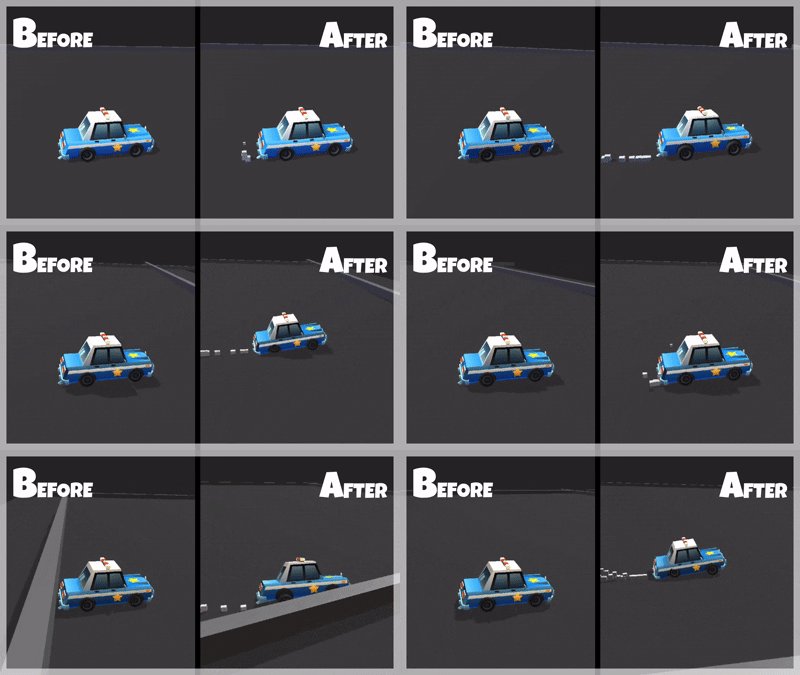
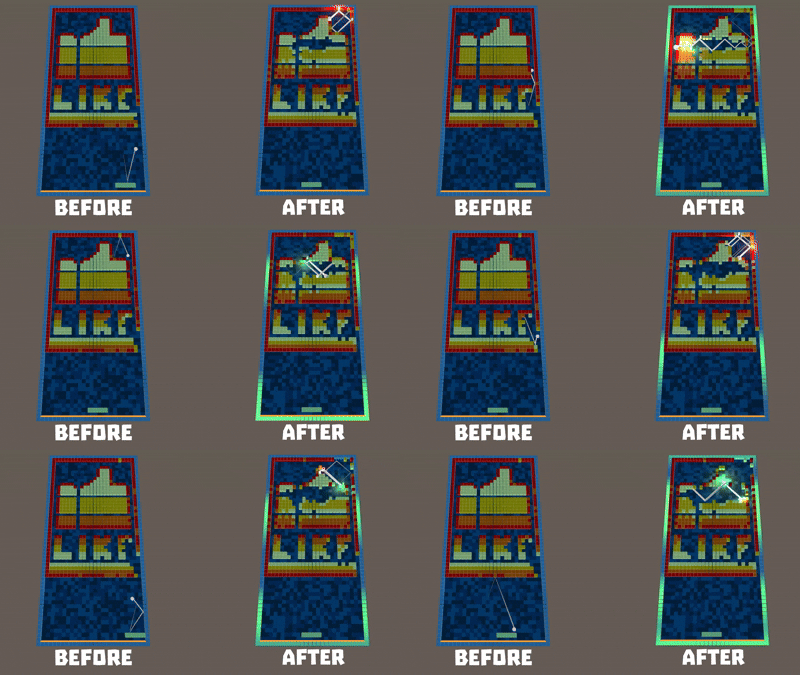
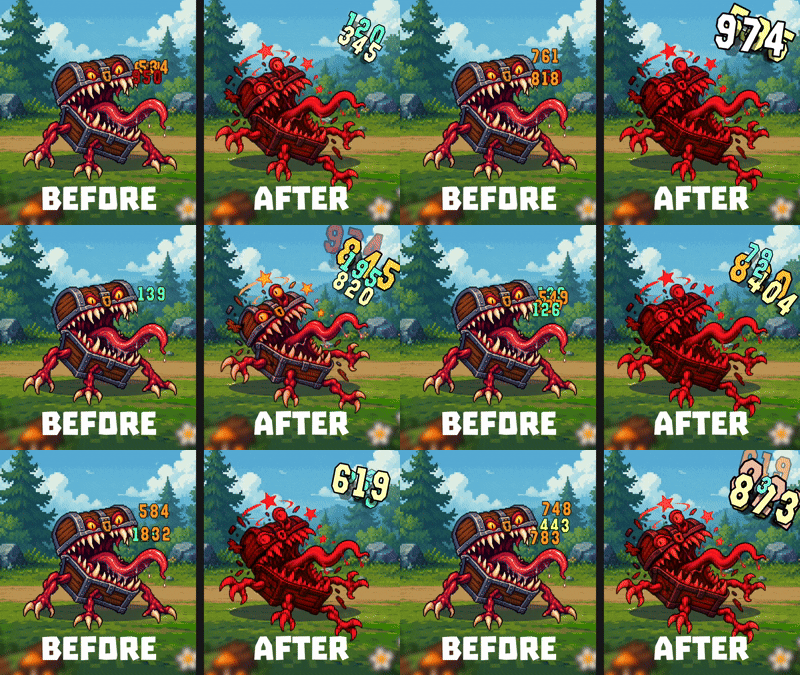
Take a look at this mini demo.
All animations on the right side are handled directly through the tool (position, color, scale, light, etc...)

Performances

Feel Craft scales across two independent dimensions :
- the number of animated GameObjects
- the number of animation layers applied per object.

This allows it to handle both large crowds and heavily layered game feel systems with predictable performance.

Benchmark conditions

Development build
Apple M1 MacBook Air (2020 fanless mobile CPU)

Multi-object animation

Linear scaling across large scene counts where each object plays it's own single Vector3 position animation :

  • 1,000 objects → 0.9 ms
  • 5,000 objects → 4.0 ms
  • 10,000 objects → 13.6 ms
Animation stacking

Linear scaling under heavy animation stacking with a single object with multiple simultaneous Vector3 position animations :

  • 1,000 animations → 0.5 ms
  • 10,000 animations → 4.6 ms
  • 30,000 animations → 18.0 ms
Benchmark
Apple M1 MacBook Air (2020 fanless mobile CPU) - Dev Build

Description

Have you noticed how much Game Feel can enhance a gameplay experience?

It's crazy how a game concept, even a very simple one, can suddenly become incredibly satisfying, or even addictive, with just a few well-crafted feedback effects...

The problem is that this stage of development is often tedious. You have to write a whole bunch of specialized scripts all over the place, test, iterate... that's a lot of time and effort to invest.

Feel Craft solves this problem by allowing you to add dynamic and satisfying visual feedback without the hassle of complex code. Thanks to its additive layer system built entirely around scriptable objects, you no longer need to open the animation window anymore, nor even to rig your objects. A few clicks and a single line of code are now all you need.

It's so quick to set up that you can even integrate it as soon as the prototyping phase! It may not sound like much, but it completely changes the way you feel a game, evaluate its potential and work with it.

Philosophy

The tool is based on property mutation layers and follows three simple core principles.

Additivity

A property can be affected by multiple states/layers simultaneously. It can even be influenced by systems external to Feel Craft. For this reason, every effect managed by Feel Craft is applied additively.

Reversibility

Every property must be able to return to its original value whenever desired, whether during animation loops or when a state ends. This guarantees smooth and visually pleasing transitions while preventing any drifting over time.

Scale

The tool was designed with performance in mind, supporting tens of thousands animations per frame.

Take a look at this mini demo showcasing some of the layers combinations available in version 2.0.2

Built-In Features

States

Each animation state is composed of one or more layers. Multiple states can be active simultaneously on the same object, for example: Idle + Hit + Shielded.

You can define as many states as you want without any code changes.

Additionally, each state can define:

  • An end behavior:
    • Reset: returns to the original values
    • Hold: keeps the final values
  • The ability to destroy the object when the animation ends

States are triggered with a single line of code. That line also allows you to pass:

  • An action strength value to amplify, reduce, or even invert the effect
  • A number of animation cycles
  • A list of objects affected by the state trigger
  • A delay before activation

Layers

Layers are built on customizable scriptable objects. New layers are added regularly, you can also add your own layers if you wish.

Every layer allows you to define:

  • Its animation curve
  • Its duration
  • An optional amount of randomness

The following layers are currently included:

Component Transform
  • Rotation XYZ (gimbal-lock safe)
  • Position XYZ
  • Scale XYZ
Component RectTransform
  • Anchored position XY
Component Renderer
  • Material Color RGBA (SRP-compatible)
Component MeshRenderer
  • RSUV (Renderer Shader User Value) Color RGBA
Component Light
  • Intensity
  • Range
  • Color
Component Image
  • Color
Component GameObject
  • Active / Inactive

Tutorial

A 10 min detailled tutorial

Early Adopter Benefits

Your support truly means a lot to me.

I'm building this tool in my spare time, after my day job, and I have to admit that I dream of one day being able to dedicate myself full-time to creating tools that help people like you bring their dream games to life.

The price starts at $5, and each feature update will increase the price by $2.50.

The earlier you purchase Feel Craft, the more you help move this project forward and the better your deal.

Once you've purchased the tool, you can use it in as many projects as you want, and all future updates will be available to you for free. Forever.

Purchase

Get this tool and 4 more for $12.50 USD
View bundle
Buy Now
On Sale!
55% Off
$17.50 $7.87 USD or more

In order to download this tool you must purchase it at or above the minimum price of $7.87 USD. You will get access to the following files:

v2.2.0 - Unity 6000+ 1.9 MB

Development log

View all posts

Leave a comment

Log in with itch.io to leave a comment.